The Alienware AW3225QF 32-Inch 4K QD-OLED Gaming Monitor represents a significant leap in display technology for enthusiasts seeking the ultimate visual experience. This 80.01cm screen leverages Quantum Dot OLED technology to deliver vibrant colors and deep, true blacks that traditional panels cannot match. With support for 1.07 billion colors, every gradient and hue is rendered with exceptional accuracy, ensuring that cinematic games and professional creative work look lifelike and immersive. The anti-reflection screen coating further enhances the viewing experience by minimizing glare from external light sources, allowing the high-contrast 4K visuals to remain clear even in brightly lit rooms.
Performance is a cornerstone of the Alienware AW3225QF 32-Inch 4K QD-OLED Gaming Monitor, featuring an incredibly fast typical response time of 0.03ms. This near-instantaneous pixel transition virtually eliminates motion blur and ghosting, providing a competitive edge in high-speed first-person shooters and racing simulations. The integration of 4K resolution at this scale ensures high pixel density, resulting in sharp text and intricate textures. Whether navigating complex open worlds or managing dense productivity workflows, the combination of high-speed performance and extreme visual clarity makes this display a versatile centerpiece for any high-end desktop configuration.
Connectivity and versatility are well-addressed in the Alienware AW3225QF 32-Inch 4K QD-OLED Gaming Monitor through a comprehensive array of modern ports. It is equipped with one DisplayPort 1.4 and two HDMI 2.1 ports, enabling full compatibility with the latest graphics cards and next-generation gaming consoles. Additionally, the inclusion of five USB 3.2 Gen 1 ports provides ample room for connecting peripherals such as keyboards, mice, and external storage directly to the screen for a cleaner cable management setup. This robust input selection ensures that the monitor can handle multiple devices simultaneously while maintaining the high bandwidth required for its premium display specifications.
FEATURES:
– 32-inch 4K QD-OLED display
– Anti-reflection screen coating
– 1.07 billion color support
– 0.03ms typical response time
– One DisplayPort 1.4 port
– Two HDMI 2.1 ports
The Alienware AW3225QF 32-Inch 4K QD-OLED Gaming Monitor represents a significant leap in display technology by combining the high resolution of 4K with the vibrant performance of Quantum Dot OLED. This 80.01cm screen features an advanced anti-reflection coating that ensures clear visibility even in well-lit environments, allowing the 1.07 billion colors to remain vivid and accurate. By leveraging the unique properties of QD-OLED, the monitor delivers deep blacks and an infinite contrast ratio that traditional panels struggle to match.
– Best 4K monitor for its price
– Very easy to install and setup
– HDR is a treat in itself
– Feels premium at this price
– Vivid colors and jet blacks
– Movies and games pop off screen
– Great value for money
– Best monitor available in the market
– Superb for gaming and work
– Lots of configuration for movies
– Supports 4K at 240Hz
– Excellent QD-OLED display panel
– Fast 0.03ms typical response time
– Includes modern HDMI 2.1 ports
– A bit expensive
– Noticeable screen flickers with G-Sync
– Uncertainty about OLED panel durability
– Lack of a remote controller
– Screen curve feels slightly unnatural
– The control app is visually unappealing
– Requires specific hardware for 4k 240Hz
– Display is very reflective
– Screen is a fingerprint magnet
The Alienware AW3225QF stands out as a premier 32-inch 4K QD-OLED monitor that offers exceptional value for its price, delivering a premium experience with vivid colors, deep blacks, and a smooth 240Hz refresh rate that makes both games and movies look spectacular. It is praised for its incredibly fast 0.03ms response time, modern HDMI 2.1 connectivity, and easy setup process, making it a versatile choice for both high-end gaming and professional work. However, potential buyers should consider drawbacks such as its high cost, reported G-Sync flickering issues, and the lack of a remote control, alongside physical concerns like a highly reflective screen that attracts fingerprints and a curve that some find unnatural. While the display panel itself is stunning, the long-term durability of OLED technology remains a question for some users, and the clunky control software and hardware requirements for peak performance slightly temper its otherwise top-tier reputation. Read more…
Rear View of an Alienware 32-inch Gaming Monitor
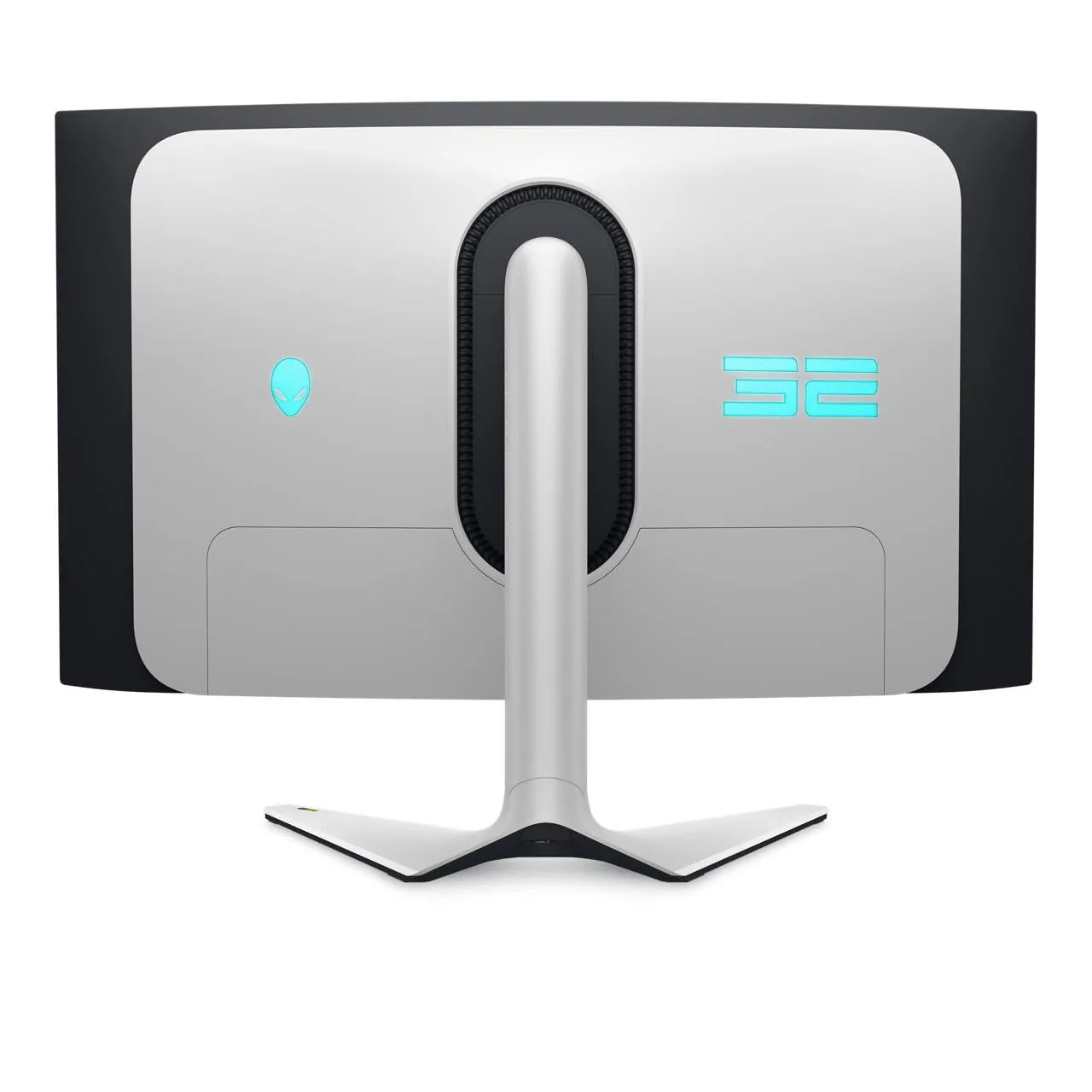
A high-angle, rear-facing studio shot of an Alienware gaming monitor, characterized by its sleek, futuristic ‘Legend 2.0’ design language. The chassis features a dual-tone aesthetic with a large, light-gray or ‘Lunar Light’ central panel set against a black curved frame. On the left side of the rear panel, there is a glowing cyan Alienware head logo, while the right side displays a large, stylized ’32’ in matching cyan illumination, indicating the screen size. The monitor is supported by a slender, integrated stand that transitions into a wide, V-shaped base at the bottom. A prominent, pill-shaped ventilation grille surrounds the stand’s attachment point, which is recessed into the center of the panel. The overall lighting is clean and even, emphasizing the smooth matte textures and the vibrant LED accents typical of high-end gaming hardware.
Alienware AW3225QF Gaming Monitor Key Specifications Infographic
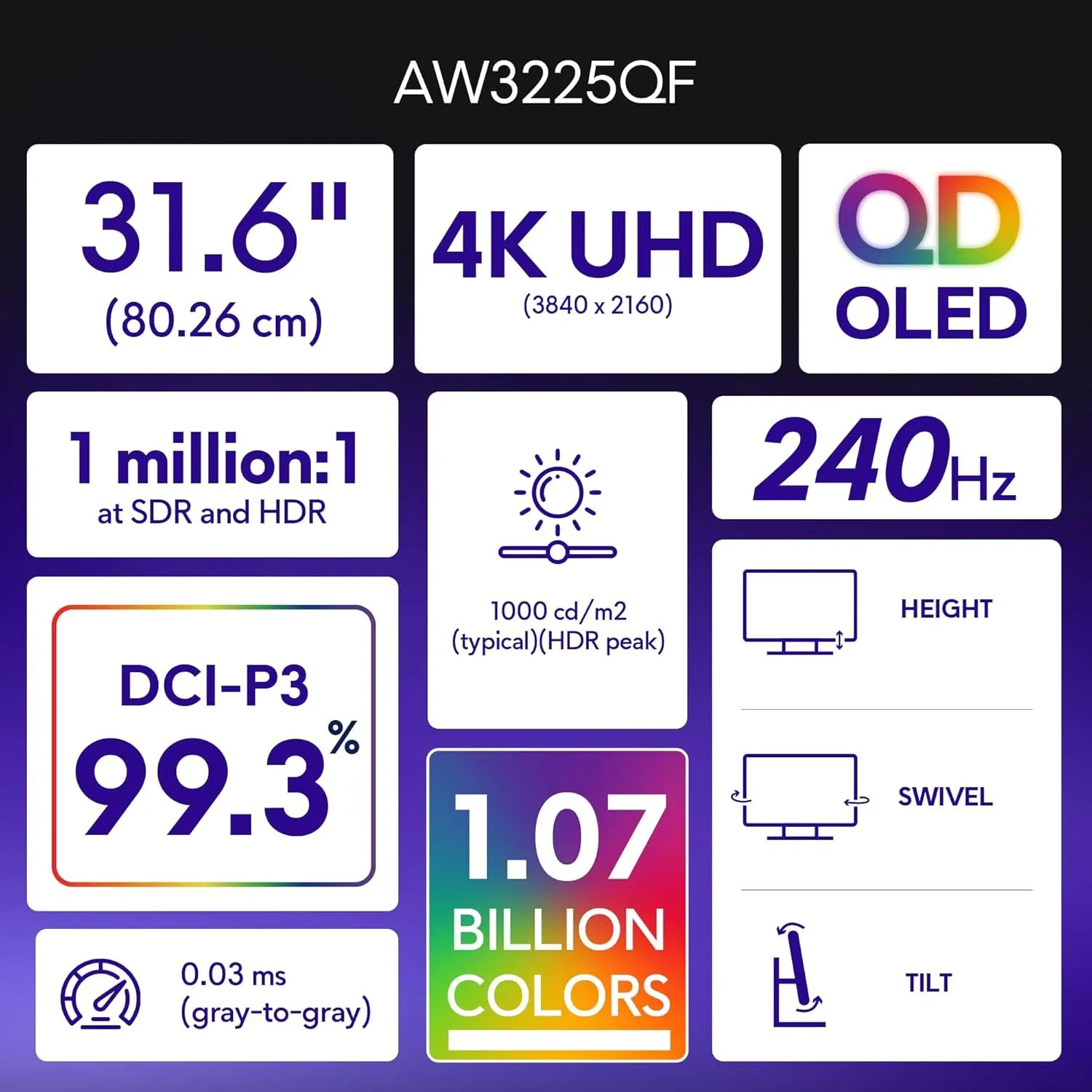
An infographic detailing the technical specifications of the Alienware AW3225QF gaming monitor, presented as a grid of white and colored tiles against a dark purple gradient background. The top section features the model name and three primary tiles: a 31.6-inch (80.26 cm) screen size, 4K UHD resolution ($3840 \times 2160$), and QD-OLED panel technology. Below these, a series of data points highlight performance metrics, including a 1 million:1 contrast ratio for both SDR and HDR, a peak HDR brightness of $1000 \text{ cd/m}^2$, and a high refresh rate of 240Hz. Color accuracy is emphasized with a 99.3% DCI-P3 color gamut coverage and a depth of 1.07 billion colors. Speed is represented by a 0.03 ms gray-to-gray response time. On the right side, three simple line icons illustrate the physical ergonomic adjustments available: height, swivel, and tilt. The layout uses bold, clean typography and vibrant color accents to convey high-end performance features.
Alienware Curved Gaming Monitor
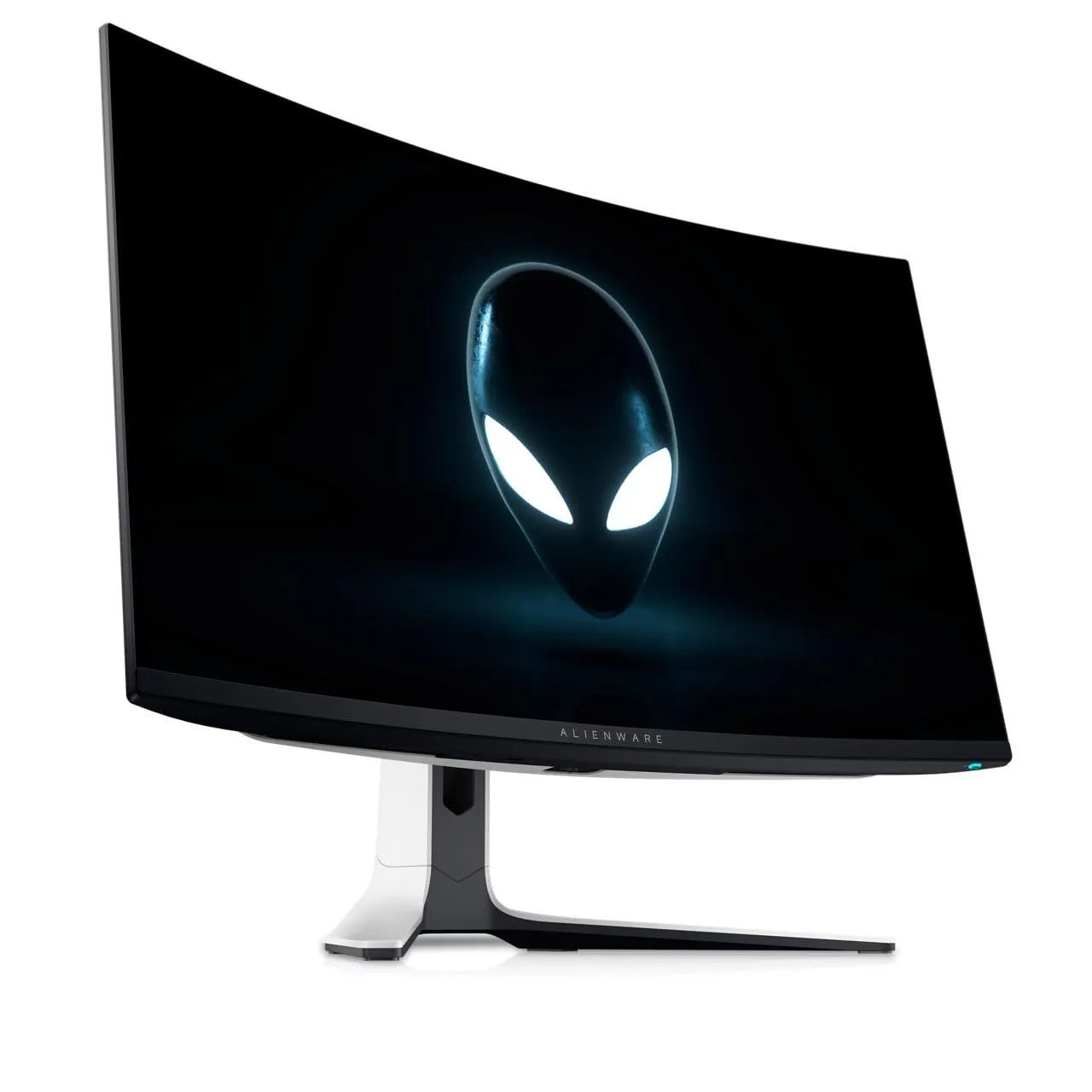
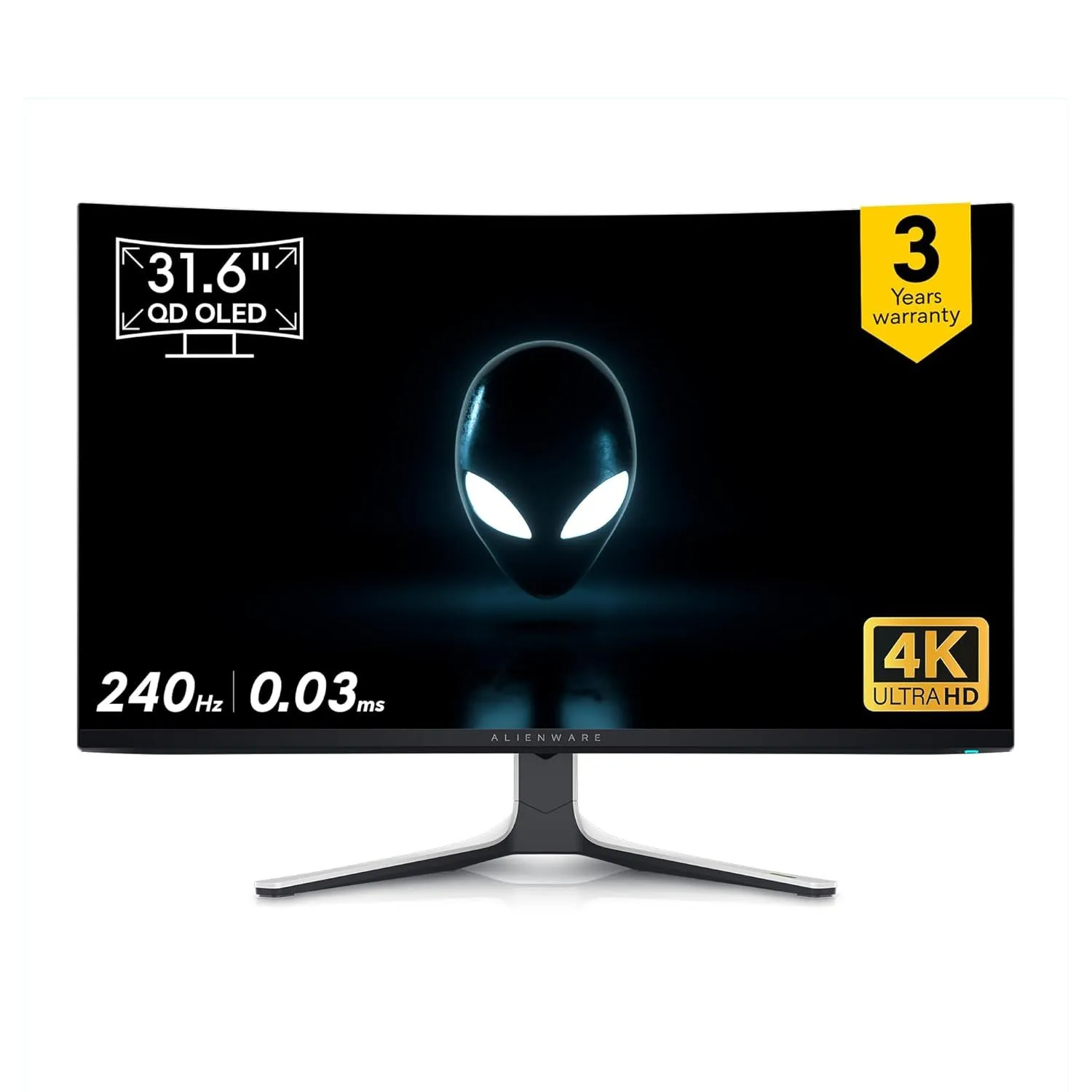
A professional product photograph showcases a high-end Alienware curved gaming monitor, angled toward the left against a clean, white background. The screen features a deep black display centered with the iconic glowing Alienware logo�a stylized, translucent alien head with bright, luminescent white eyes. The monitor boasts an ultra-thin bezel design on the top and sides, with a slightly thicker bottom chin that prominently displays the ALIENWARE brand name in a sleek, minimalist font. Supporting the wide, panoramic screen is a futuristic, V-shaped stand with a distinctive two-tone color scheme, combining a matte black base with a premium lunar light white finish on the rear neck. The curvature of the panel is pronounced, designed for an immersive viewing experience, and a small, glowing blue power indicator is visible on the bottom right edge. The entire unit is captured with sharp focus and soft reflections on the base, emphasizing its polished, modern aesthetic.
Side profile of an Alienware gaming monitor
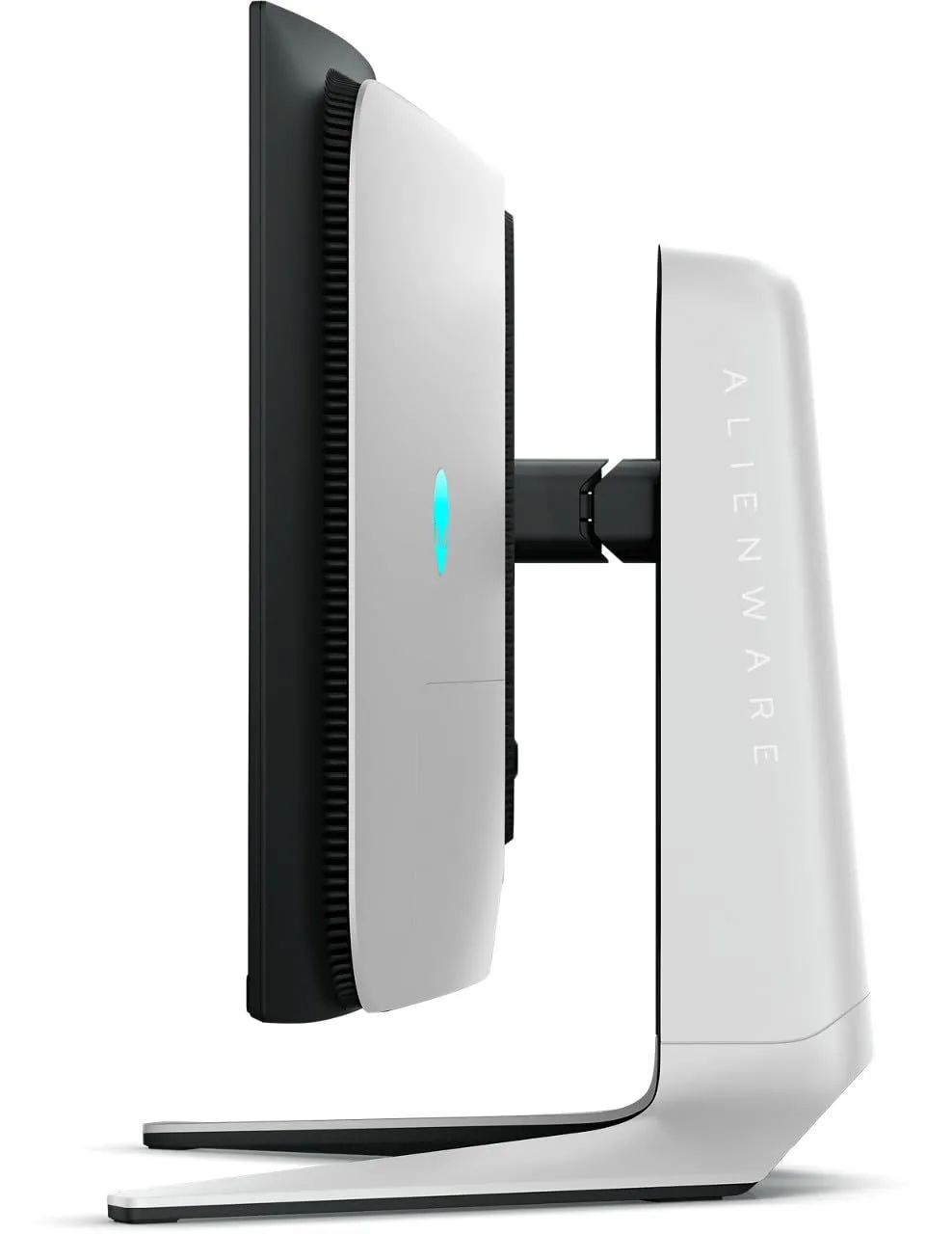
A side-view studio shot of a high-end Alienware gaming monitor, showcasing its distinctive ‘Legend’ industrial design. The device features a stark two-tone color palette, with a matte black front bezel and a sleek, ‘Lunar Light’ white back panel. On the rear of the monitor, a glowing cyan Alienware logo is prominently displayed. The screen is supported by a robust, white vertical stand that features ‘ALIENWARE’ branding in vertical grey lettering. The stand transitions into a wide, V-shaped base with thin, tapering legs that extend toward the viewer. The monitor is attached to the stand via a black articulated hinge, and visible cooling vents line the curved edge of the rear housing, emphasizing the hardware’s performance-oriented aesthetic. The entire image is set against a clean, white background, highlighting the monitor’s sharp angles and futuristic silhouette.
Alienware Monitor Rear Port Connectivity Guide
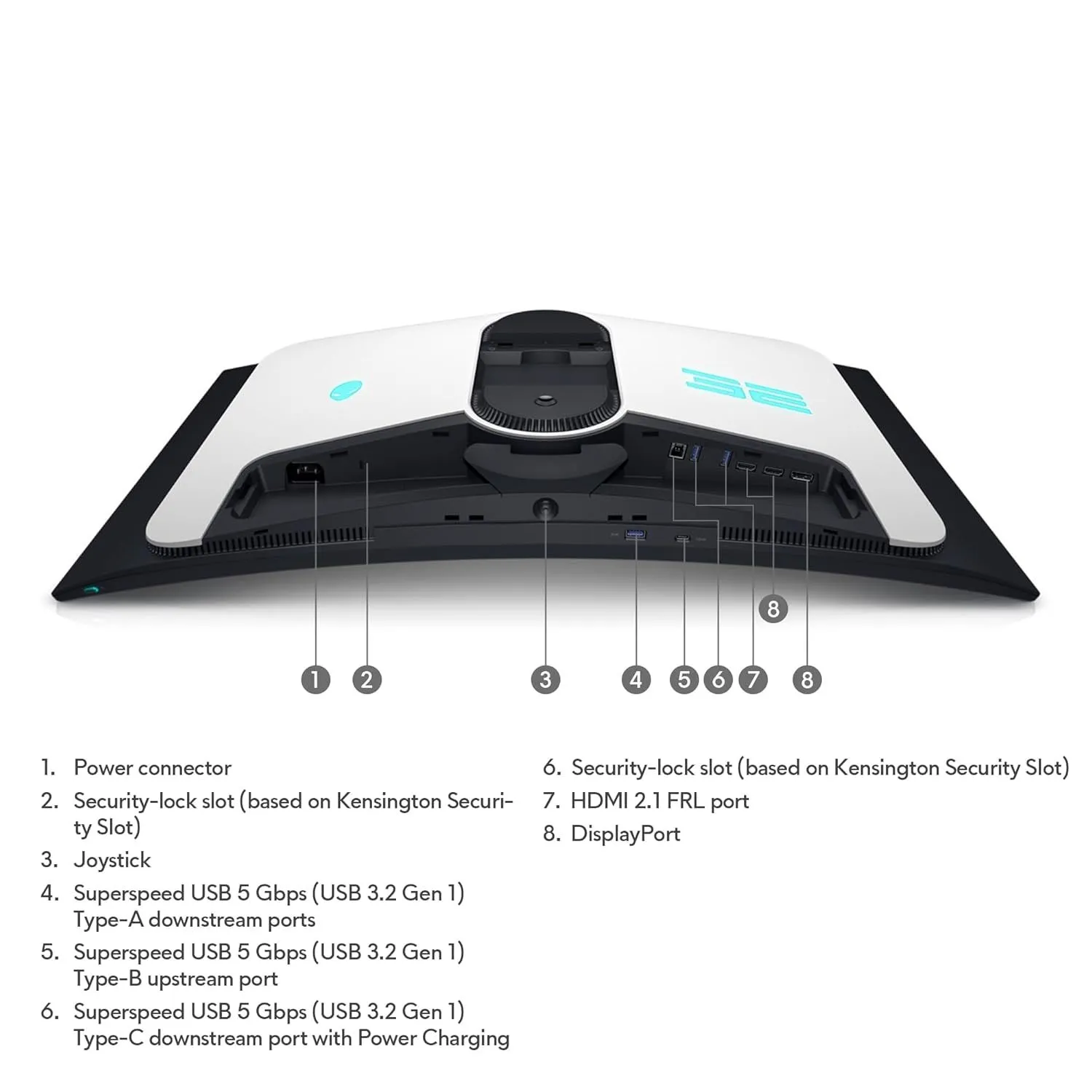
A high-angle, detailed product image showcases the rear underside of a white and black Alienware gaming monitor, specifically highlighting its various input and output ports. The monitor’s chassis features a sleek, futuristic design with a glowing blue Alienware logo on the left and a ’32’ numerical brand on the right. A central circular mounting area for a stand is visible, surrounded by numbered callouts that correspond to a legend below the device. The connectivity suite includes a power connector, two Kensington security-lock slots, a central joystick for menu navigation, and a comprehensive array of data and display ports. Specifically, it identifies a USB 3.2 Gen 1 Type-A downstream port, a Type-B upstream port, and a Type-C downstream port with power charging capabilities. For video input, the diagram points out one HDMI 2.1 FRL port and two DisplayPort connections, all arranged along the bottom recessed ledge of the monitor’s rear casing.
Google search results for the Alienware AW3225QF gaming monitor.
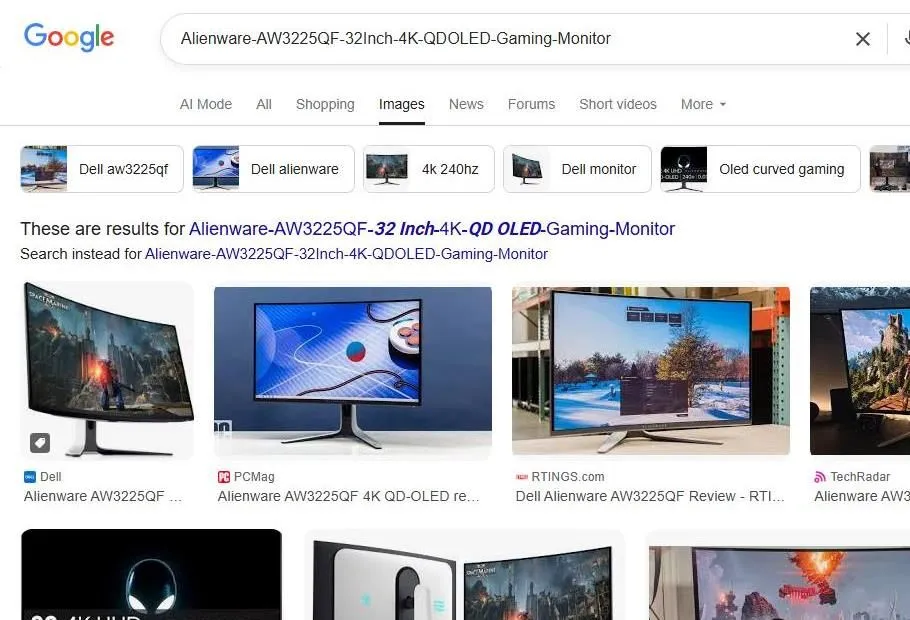
The image shows a desktop browser view of Google Image search results for the ‘Alienware-AW3225QF-32Inch-4K-QD OLED-Gaming-Monitor’. At the top, the search bar contains the model name, followed by filter chips such as ‘Dell aw3225qf’, ‘4k 240hz’, and ‘Oled curved gaming’. Below the navigation tabs, several high-resolution image thumbnails are displayed, showcasing the monitor from various angles. The monitors featured in the photos have a distinct curved screen, a white and black aesthetic typical of the Alienware brand, and thin bezels. Source attribution labels from websites like PCMag, RTINGS.com, and TechRadar are visible beneath the thumbnails, indicating that these are professional product reviews and retail listings. The overall layout is clean and organized, typical of a modern search engine interface designed for product research.
Google Search Results for Alienware AW3225QF Monitor
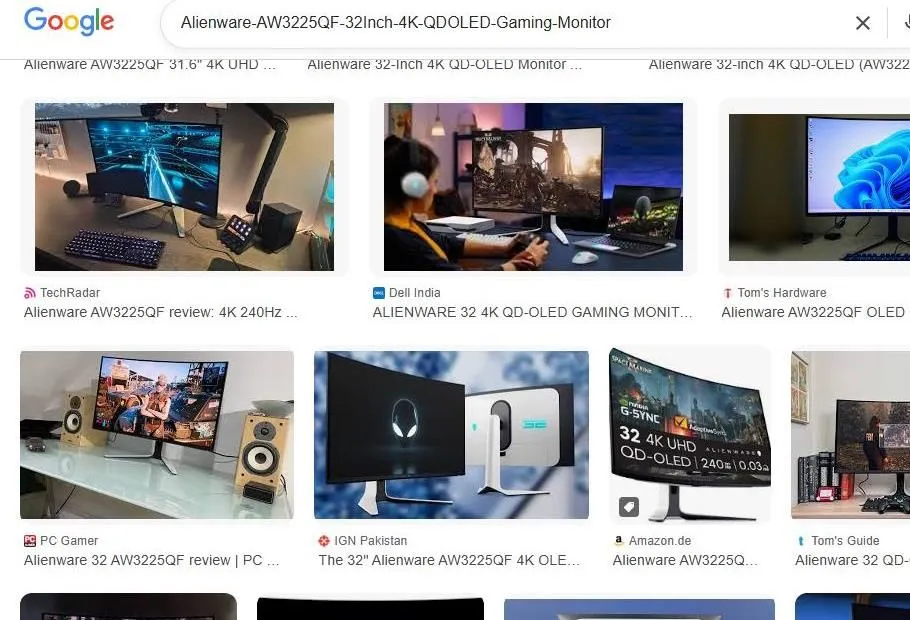
The image displays a Google Image search results page for the ‘Alienware-AW3225QF-32Inch-4K-QD-OLED-Gaming-Monitor.’ The search bar at the top includes the product name, and below it, a grid of various professional review and retail thumbnails is visible. These thumbnails feature the monitor from multiple angles, showing its curved screen, slim white-and-black chassis, and distinctive V-shaped stand. Some images depict the monitor in a desk setup alongside gaming peripherals like keyboards and speakers, while others provide a clean studio look at the front and back of the display. Logos from prominent tech publications such as TechRadar, PC Gamer, IGN, and Tom’s Hardware are visible below the images, indicating a collection of reviews and promotional content for this high-end 240Hz 4K OLED gaming display.
Google Search Results for Alienware Gaming Monitor
The image is a digital screenshot of a Google search results page on a desktop browser. At the top, the Google logo is visible next to a search bar containing the query ‘Alienware-AW3225QF-32Inch-4K-QDOLED-Gaming-Monitor’. Below the search bar, there is a row of filter buttons such as ‘Reviews’, ‘On sale’, ‘Under $1,000’, and various refresh rates like ‘240 Hz’ and ‘360 Hz’. A message indicates that results are being shown for a corrected version of the search term. The primary content visible is a ‘Sponsored result’ from Dell, featuring a link to their official website and a headline for an ‘Alienware 34\
Google Shopping Results for Alienware QD-OLED Gaming Monitors
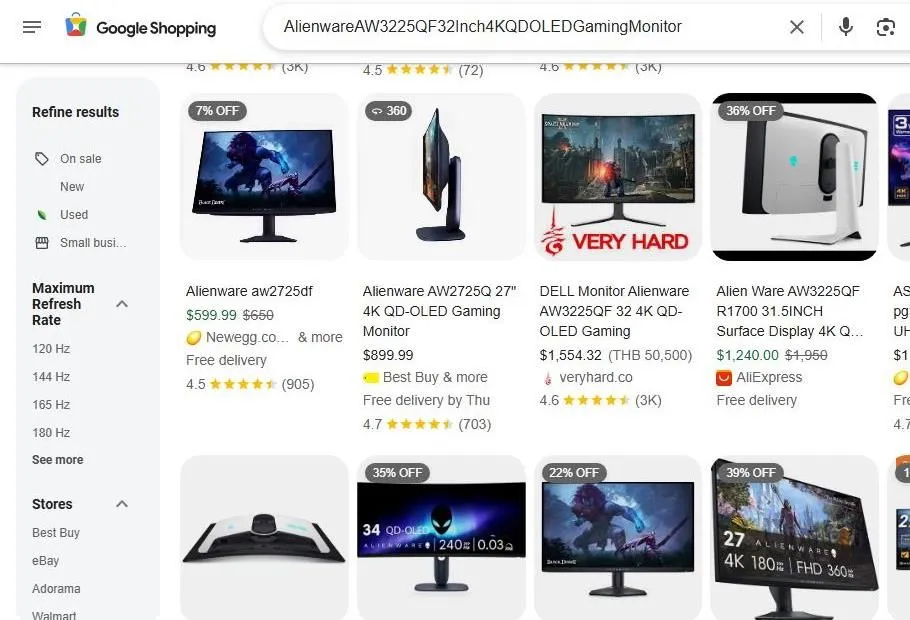
A screenshot of a Google Shopping search results page displays various Alienware and Dell gaming monitors. The search bar at the top contains the query ‘AlienwareAW3225QF32Inch4KQD-OLEDGamingMonitor’. Below it, a grid of product listings shows high-end monitors like the Alienware aw2725df and AW3225QF, featuring price points ranging from approximately $599.99 to over $1,500. Each listing includes a product image, title, price, store name�such as Newegg, Best Buy, and AliExpress�and star ratings. A sidebar on the left offers filtering options for ‘Maximum Refresh Rate’ and ‘Stores’. The overall interface is clean and professional, highlighting various discounts and shipping options for high-performance display hardware.
Google Shopping Search Results for Alienware AW3225QF Gaming Monitor
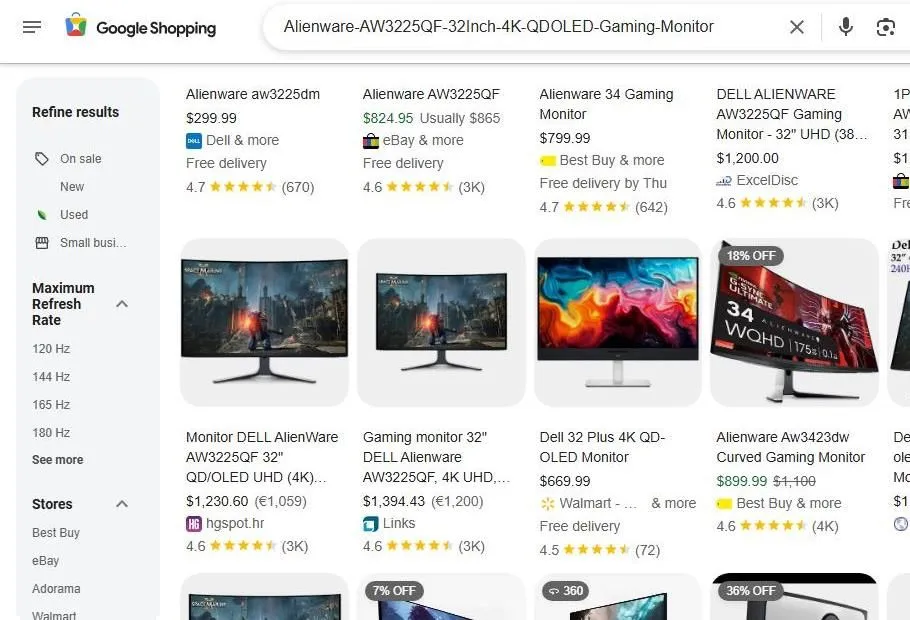
A screenshot of a Google Shopping search page displays a grid of various Alienware and Dell gaming monitors. The search bar at the top contains the query ‘Alienware-AW3225QF-32Inch-4K-QD OLED-Gaming-Monitor’. On the left side, a sidebar labeled ‘Refine results’ offers filters for ‘On sale’, ‘New’, ‘Used’, ‘Maximum Refresh Rate’, and ‘Stores’ such as Best Buy, eBay, and Walmart. The main results area features several listings with images of curved monitors, showing prices ranging from $299.99 to over $1,300. Some listings include star ratings, number of reviews, and shipping details like ‘Free delivery’. Notable models pictured include the Alienware AW3225QF and the AW3423DW, with some items marked with discount tags like ‘18% OFF’ or ‘7% OFF’. The background is a clean, light gray, and the overall layout is organized for consumer comparison.
YouTube search results for the Alienware AW3225QF gaming monitor
The image shows a web browser displaying a YouTube search results page for the ‘Alienware-AW3225QF-32Inch-4K-QD-OLED-Gaming-Monitor.’ On the left side of the screen is the standard YouTube navigation sidebar with options like Home, Shorts, Subscriptions, and History, along with a ‘Sign in’ prompt. The main content area features several video results. The most prominent video in the center has a thumbnail showcasing a curved monitor with a vibrant purple and blue landscape wallpaper, with text overlays that read ‘AW3225QF ALIENWARE QD-OLED 32\